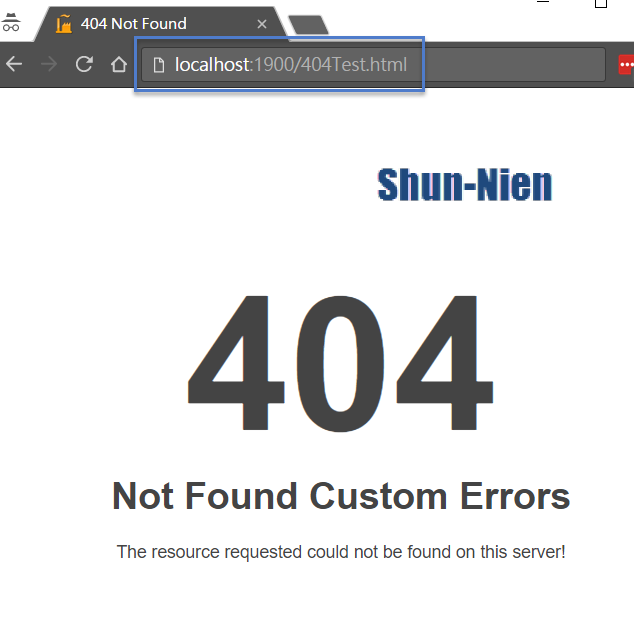
When someone try to enter the URL with folder name that time below error raiser in browser :
For Eg : https://MyDomainAddress/JS

I had to adjust the tag:
<httpErrors errorMode="DetailedLocalOnly" />
This is inside the "system.webserver" tag. Mine was previously set to "Detailed"
https://docs.microsoft.com/en-us/iis/configuration/system.webserver/httperrors/
-----------------------------------------------------------------------------------------------------------------------------
You can modify web.config.xml even as far as to creating custom error pages.
<!-- CUSTOM ERROR MESSAGES
Set customErrors mode="On" or "RemoteOnly" to enable custom error messages, "Off" to disable.
Add <error> tags for each of the errors you want to handle.
"On" Always display custom (friendly) messages.
"Off" Always display detailed ASP.NET error information.
"RemoteOnly" Display custom (friendly) messages only to users not running
on the local Web server. This setting is recommended for security purposes, so
that you do not display application detail information to remote clients.
-->
<customErrors mode="RemoteOnly"/>
-----------------------------------------------------------------------------------------------------------------------------
There is no way to edit that Detailed Error Page as that is handled by a specific built-in handler. The correct way to approach this though is as the others have mentioned, to change the errorMode to "DetailedLocalOnly". This will only show those detailed error pages to "local" users (i.e. a browser running on the same system as IIS). You can also see most of this information inside a FREB trace should you need to collect this type of information for a request originating off the server.
More Info: https://docs.microsoft.com/en-us/iis/configuration/system.webserver/httperrors/ https://docs.microsoft.com/en-us/iis/troubleshoot/diagnosing-http-errors/how-to-use-http-detailed-errors-in-iis